
A judgement call comes back
Where a decision is yours, the mission waits visibly for you instead of guessing.
Undernap has one flow, and it is always the same. That is deliberate: a workspace whose flow you know is a workspace whose result you can judge.
You describe the outcome, not the route.
You decideYou see the plan before anything starts.
You decideSpecialists work over your Fleet.
Only the check decides what “done” means.
You close it, not the system.
You decideScroll through a Mission: on the left what happens at each step — on the right what you see in the app meanwhile.
You describe the outcome, not the route.
You write, in your own words, what should exist at the end — and which limits apply: read-only, nothing deleted, which project, which budget. Up to here, nothing happens outside your machine.
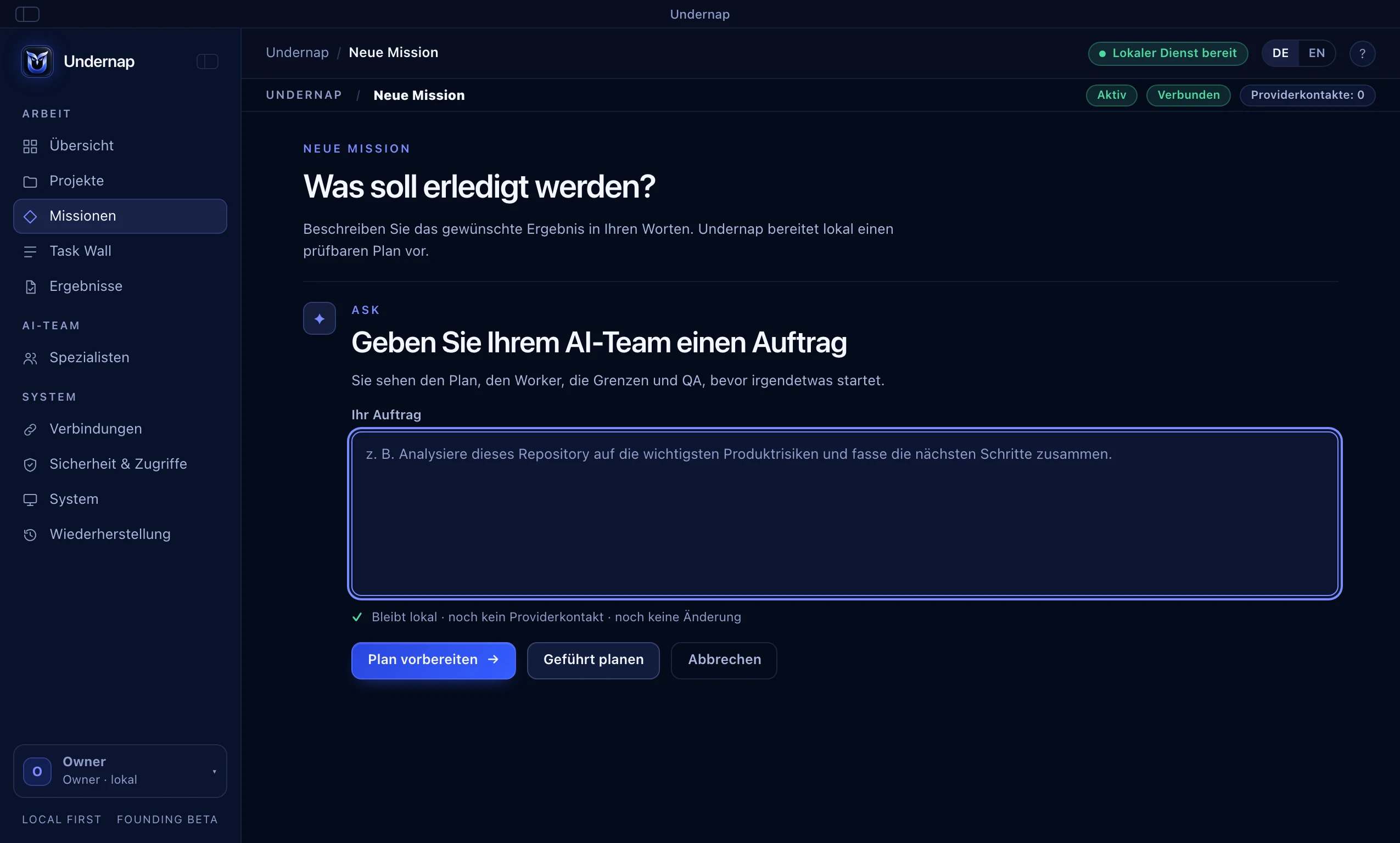
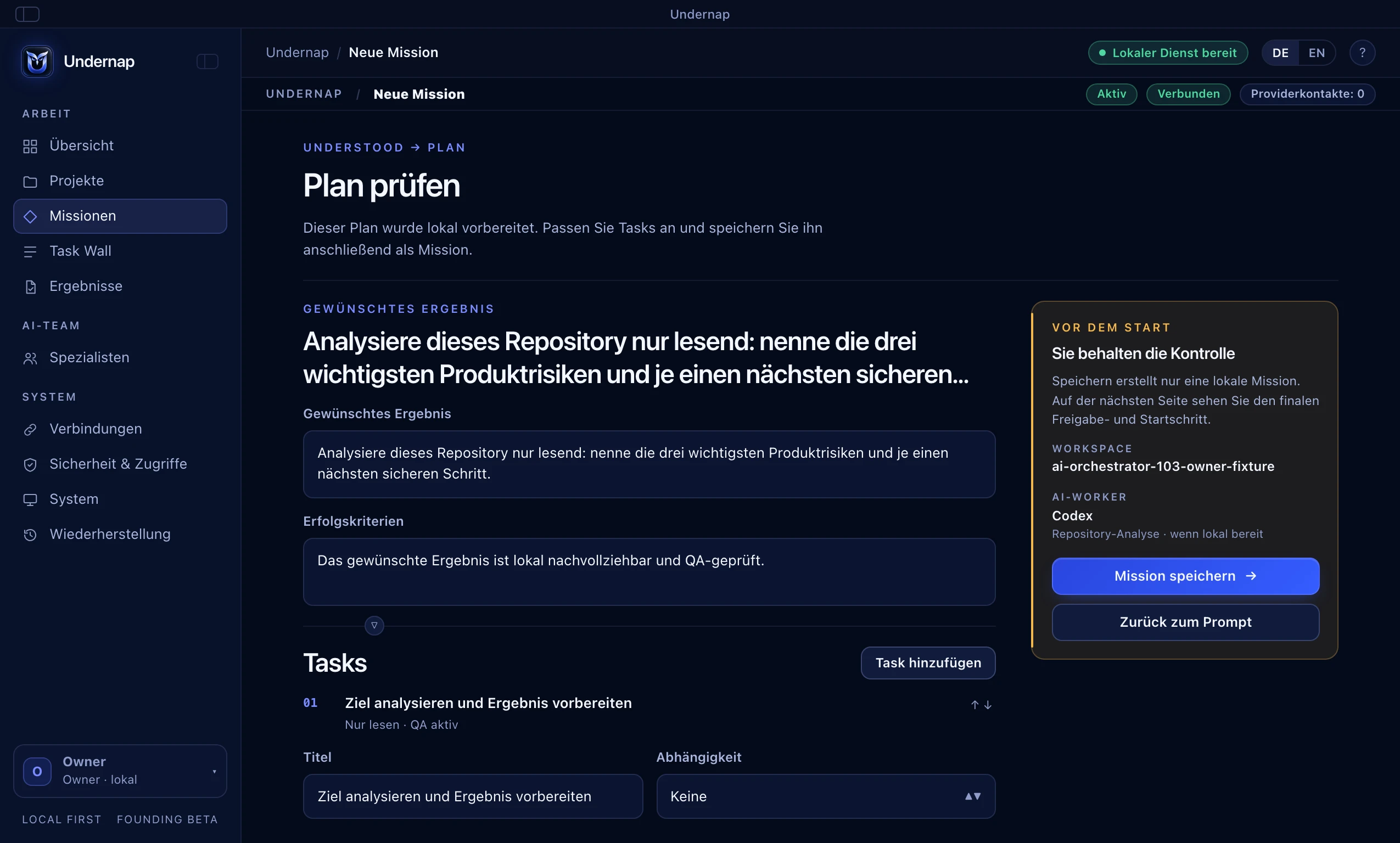
You see the plan before anything starts.
Undernap breaks the request into tasks, proposes roles, names success criteria and shows the limits. You can change tasks, drop them, or discard the whole plan. Only your approval starts execution.
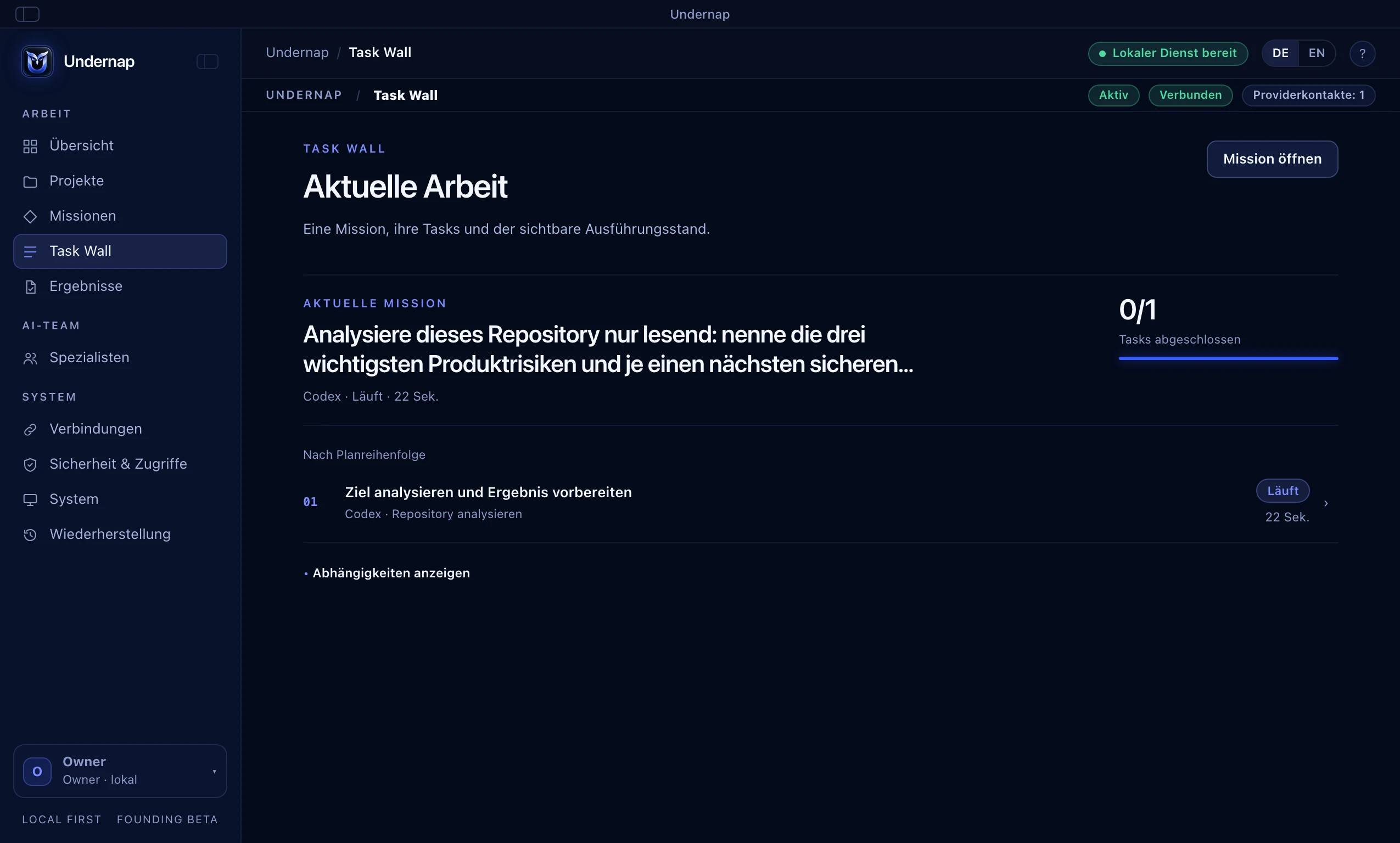
Specialists work over your Fleet.
Each task is staffed from your connected AI accounts and runs in a bounded session. Every session leaves structured evidence: what was read, changed and checked. Tasks without dependencies can run in parallel.
Only the check decides what “done” means.
Verification holds the claims against the evidence and the request against the result. Then an independent review checks against the goal — by an instance that did not execute and never runs on the account that did the work.
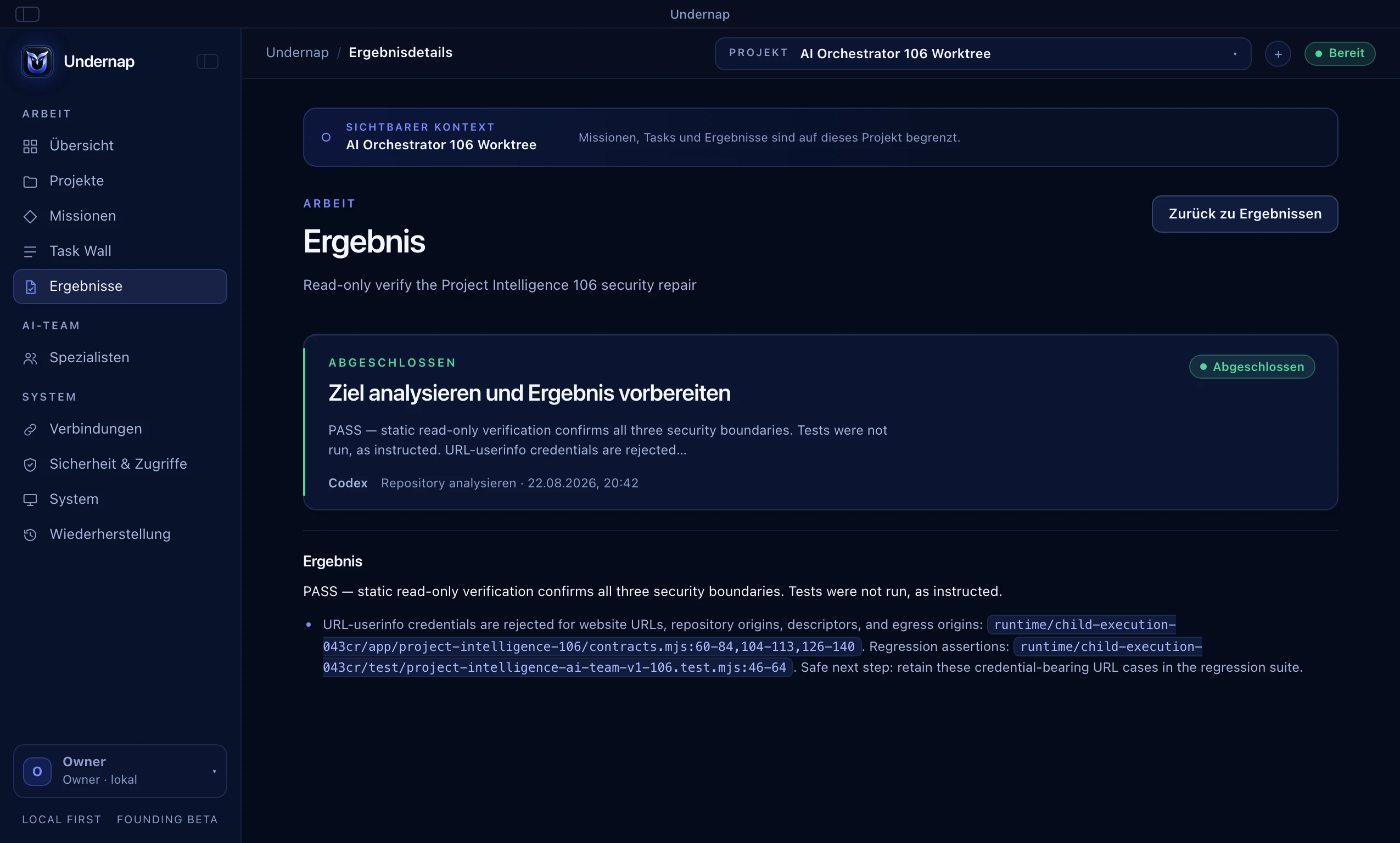
You close it, not the system.
You see the result, the evidence behind it and the open points. Your acceptance closes the delivery — consciously, not automatically.
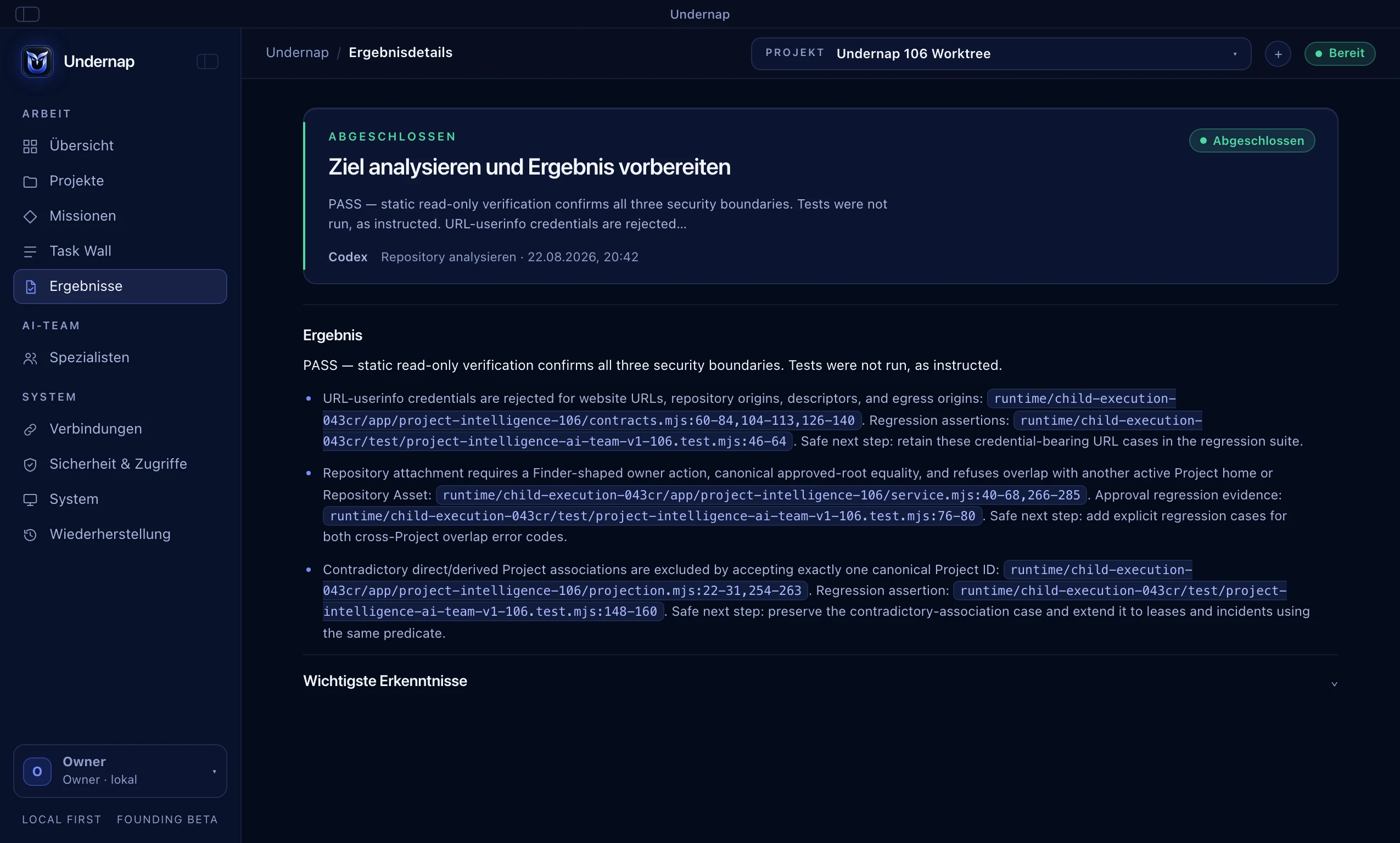
Limits are not an afterthought — they are part of the plan you approve.
That is part of the flow too, and it is not hidden.
Where a decision is yours, the mission waits visibly for you instead of guessing.
Undernap waits or re-staffs within your rules. Your providers’ limits are respected, never circumvented.
Then the mission is not done. An unconfirmed outcome does not become the Result — it is shown as what it is.
How work turns into a dependable result is on the Result chain page.
Undernap for macOS (Apple Silicon, macOS 15+) is planned to relaunch on November 20, 2026. From then on it is a monthly subscription, for businesses only; your first subscription starts with a free 14-day trial. Until the relaunch we take no orders and offer no download.